
KUBO Coding AI
Students code with AI. A real robot runs it.
A ready-to-teach course in coding and AI for grades 6–8. LUMI, the AI co-pilot, asks the questions first, so students do the thinking, not the AI.
- Grades
- 6–8
- Missions
- 14
- Ready lessons
- 27 hours
- Robot
- Included
Pricing from KUBO or your local reseller
Book a demo of the robot, maps and platform, or ask for a quote for your school, district or country.
- Everything to start in one box: robot, Map Base, 16 maps and the platform
- 100,000 AI credits shared across the school: approx. 3 years of AI use
- Runs on the laptops and tablets you already have
- 50+ countrieswith KUBO in schools
- Made in DenmarkBy KUBO Education
- SupportsCSTA · ISTE · AI4K12 · TEKS · NGSS · DigComp 3.0
- Privacy by designUS and EU editions, hosted in-region
- Flipped AIBuilt on learning research
Watch the film · 1:49
See KUBO Coding AI in under two minutes
Why teach AI, and why in middle school
Your students already use AI.
KUBO Coding AI teaches them how it works.
- 1
From AI consumers to critical creators
Students use AI in apps, search and homework every day, often without knowing how it works. They should learn to question it and create with it.
- 2
Taught responsibly
Students need to learn what AI can and cannot do, and to question its answers instead of trusting them blindly.
- 3
In middle school, on a coding foundation
Knowing how code works helps students understand the logic behind AI, question its output and use it thoughtfully.
Meet KUBO Coding AI · Grades 6–8
Three parts that work as one
A classroom kit that teaches students to question AI and create with it. They write code on the online platform with LUMI, the AI co-pilot, and the blue KUBO runs it on maps that always know where it is.
-
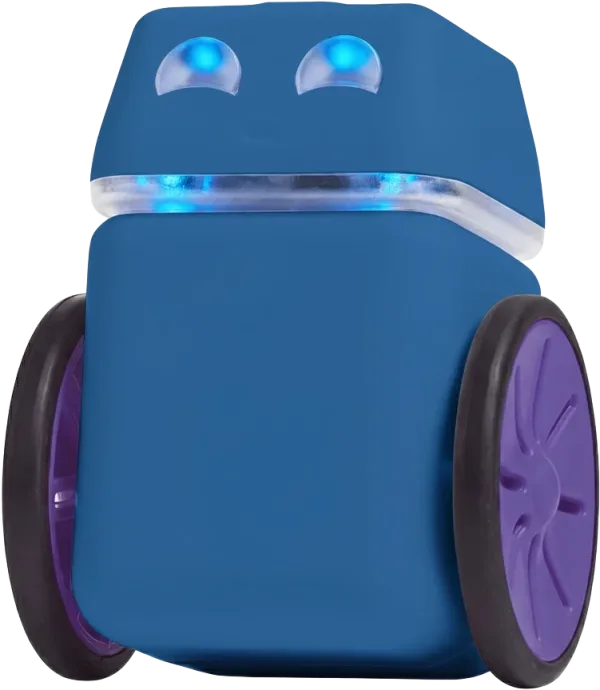
1Blue KUBO robot
Runs every program students write.
-
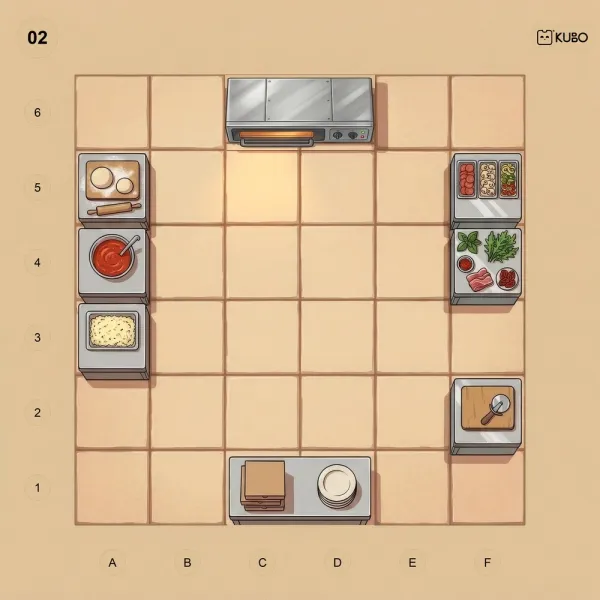
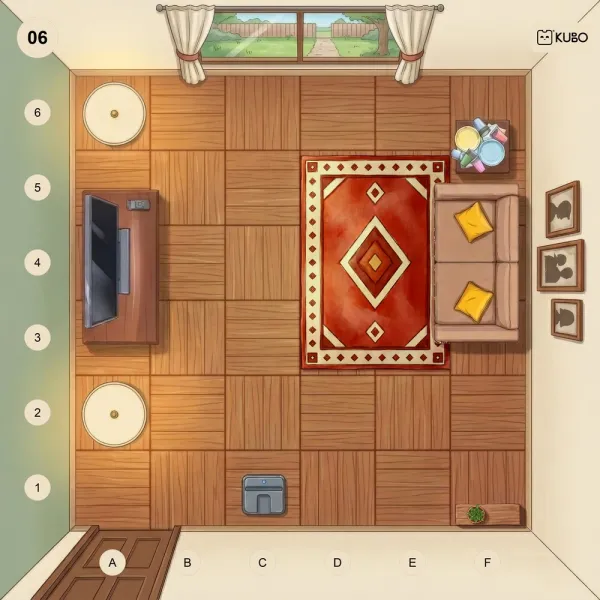
2Intelligent physical maps
Always know where KUBO is.
-
 LUMI says… · Mission 1
“Erik and Zara are about to work with an AI assistant for the very first time, and so are you.”
3Online platform with LUMI
14 missions. LUMI asks questions first, then helps.
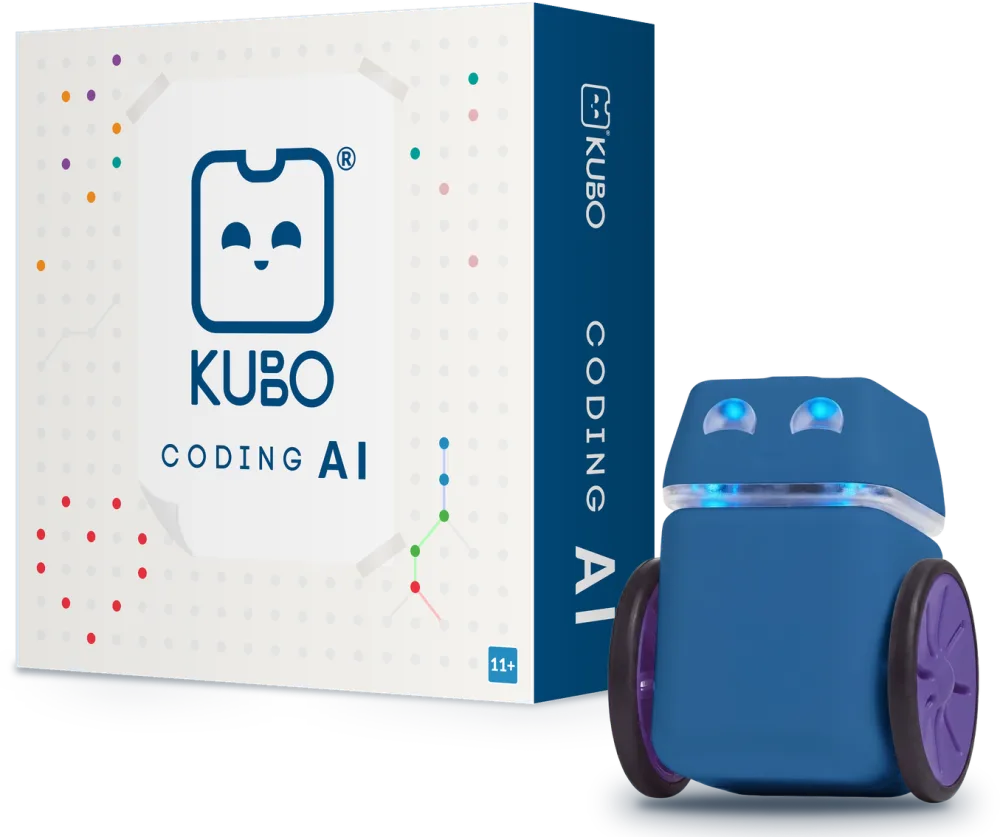
At a glance
- Grades
- 6–8 (ages 11+)
- Item number
- 1060 (US edition 1060US, EU edition 1060EU)
- Lessons
- 27 ready 60-minute lessons: 14 missions and 13 sandbox lessons
- Coding concepts
- Sequences, functions, loops, conditionals and variables
- AI concepts
- AI fundamentals, how AI classifies and learns, bias, and checking the code an AI writes
- IT concepts
- Hardware vs software, debugging, networks and security, privacy and passwords
- Runs on
- Chrome or Edge on a laptop, or the KUBO Coding AI app on iPad and Android tablets
- Languages
- English, French, German, Spanish and more
- Box size
- 345 × 345 × 65 mm
- Works with
- The blue KUBO is backwards compatible with the K–5 products
- Standards
- Supports CSTA, ISTE, AI4K12, TEKS, NGSS and DigComp 3.0 (KUBO's own mapping)
- Made in
- Denmark
What's in the box
Everything a class needs to start
#1060 KUBO Coding AI · Ages 11+ · Made in Denmark
- 1 ×
Blue KUBO robot
Runs the students' code on the map, and is backwards compatible with the K–5 products.
- 1 ×
Map Base
Four RFID puzzle pieces, 320 × 320 mm, that always know where KUBO is.
- 16 ×
Mission maps
Story maps for all 14 missions, 320 × 320 mm.
-
Manual and name stickers
Everything needed to get started, and stickers so students can name their robots.
-
Online platform
14 missions, 7 cross-curricular activities and sandbox creativity.
-
LUMI, the AI co-pilot
Questions, hints and AI-assisted coding.
- 100,000
AI credits
Shared across your school: approx. 3 years of AI use. Can be repurchased.
-
KUBO Educator Portal
Free: teacher guides, activities and progress tracking, plus a quick start guide.
Meet LUMI, the AI co-pilot
Students work with LUMI in every mission, and learn to question AI, test it and think for themselves.
Make KUBO stop at the red tile.
LUMI Before I write anything: how will KUBO know it has reached a red tile?
Typical AI The machine does the thinking
- Student asks
- Thinking skipped
- AI answers
LUMI, with Flipped AI The student does the thinking
- 1Student asks
- 2LUMI asks back
- 3Student shows thinking
- 4Then help
Flipped AI: thinking first, help second
Most AI answers first. LUMI asks back, and helps once the student has shown the thinking.
Research: hints-first AI protects learning.
In a study of nearly 1,000 high-school math students, a ChatGPT-style AI tutor raised practice grades by 48%, but once it was removed, its users scored 17% below peers who never had it. A version that gave hints instead of answers largely removed that harm.
Bastani et al., PNAS 2025, cited in KUBO's Flipped AI position paper, October 2026.
The course
A complete course in 14 missions
Four chapters and a finale. Every mission is a story with its own map for KUBO.
14 hours14 missions × 60 min, ready to teach
-
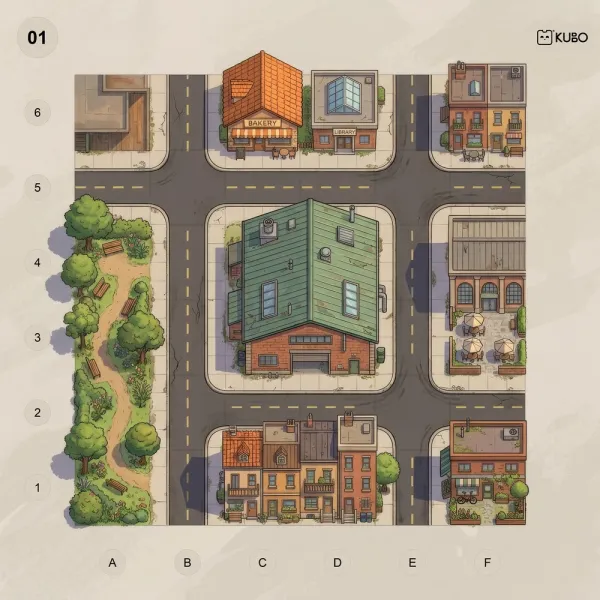
Chapter 1
Welcome to Metro City
AI basics · Sequences · Procedures
-
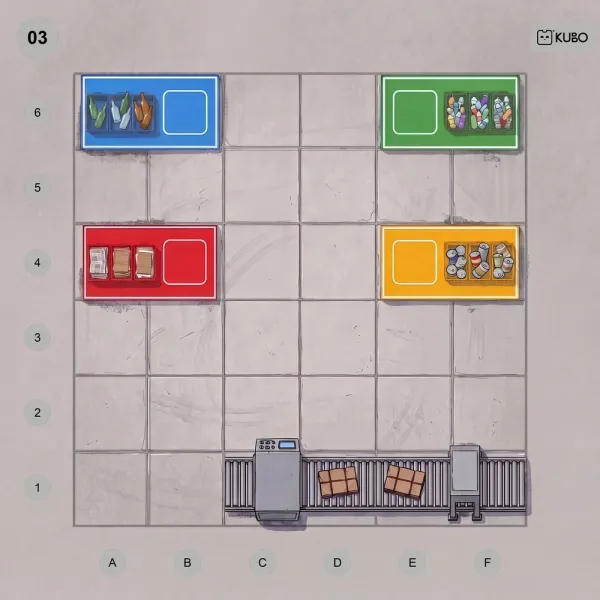
Chapter 2
Teach KUBO to decide
Loops · Conditionals · Variables
-
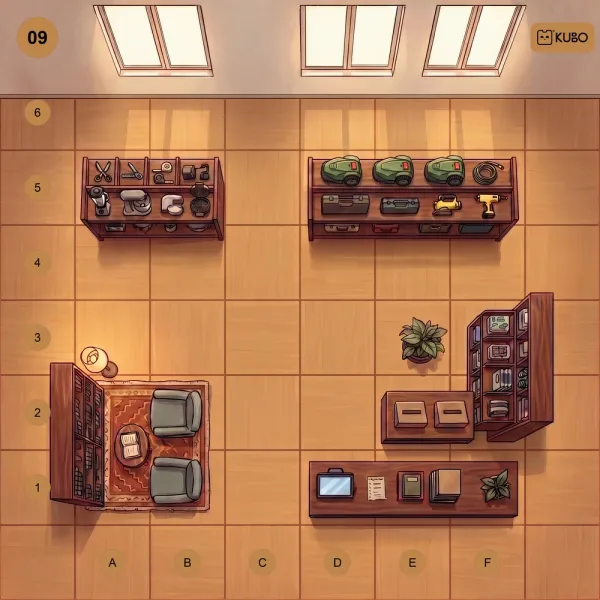
Chapter 3
When things go wrong
Hardware vs software · Debugging
-
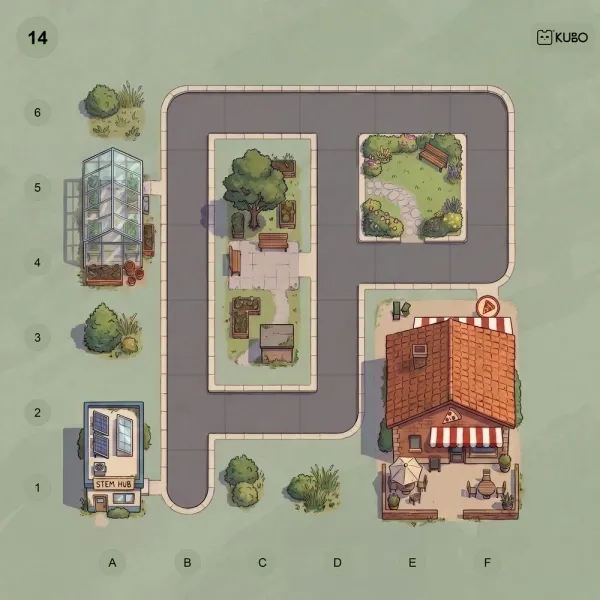
Chapter 4
Smarter, safer, together
Networks · Security · AI learning
-
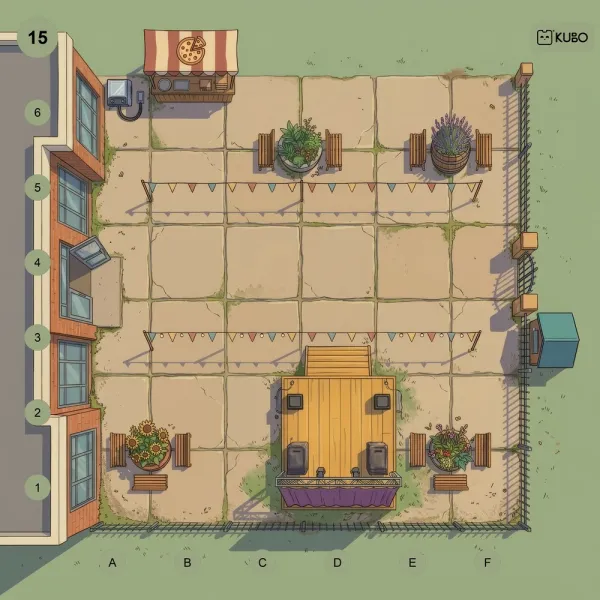
Finale
Storm Aid Festival
Capstone: it all comes together
See all 14 missions
Chapter 1
- 1 Meet Your Co-PilotAI fundamentals
- 2 Order UpSequences and planning
- 3 Order Up: The Dinner RushProcedures
Chapter 2
- 4 The Recycling RevolutionLoops and repetition
- 5 Before the Party StartsConditionals
- 6 After the PartyConditionals
- 7 KUBO Covers the Delivery RunVariables and state
Chapter 3
- 8 The Glitch LabHardware vs software
- 9 The Library of ThingsDebugging and iteration
Chapter 4
- 10 Data HighwaysNetworks and security
- 11 Trust & TrespassNetworks and security
- 12 The Museum CuratorHow AI classifies and learns
- 13 Before the StormHow AI classifies and learns
Finale
- 14 Storm Aid FestivalCapstone: brings it all together
How a mission works
Every mission is a ready-made 60-minute lesson: story, learn, code, reflect.
-
1. Story
A story in Metro City sets a real-world problem to solve.
-
2. Learn
LUMI explains the new concept and asks questions to check understanding.
-
3. Code
Students code with LUMI and run the program on KUBO on the map.
-
4. Reflection
Students look back on what worked, what they learned and how they used AI.
Plus: sandbox mode
Let the creativity free
Teachers or students turn any topic into a physical map, and the class codes KUBO on it.
Project ideas
- A tour of our school
- The planets in order
- Retell the class novel
- Measure the route
- Escape-room quiz
- Delivery robot for the canteen
- 1
Make the map
Draw it by hand, make it together with the students, or use the Map Maker in the KUBO Educator Portal if you like.
- 2
Lay it out, in any size
A desk-sized sheet for a group, or a map that covers the classroom floor. There are no size limits.
- 3
Code KUBO in the sandbox
Students plan the route and write the code themselves. Then LUMI helps them improve it before they send it to KUBO.
- 4
KUBO performs the code on the map
The students see right away whether the plan works, and debug it together if it doesn't.
Learning outcomes
What students learn with KUBO Coding AI
- 1
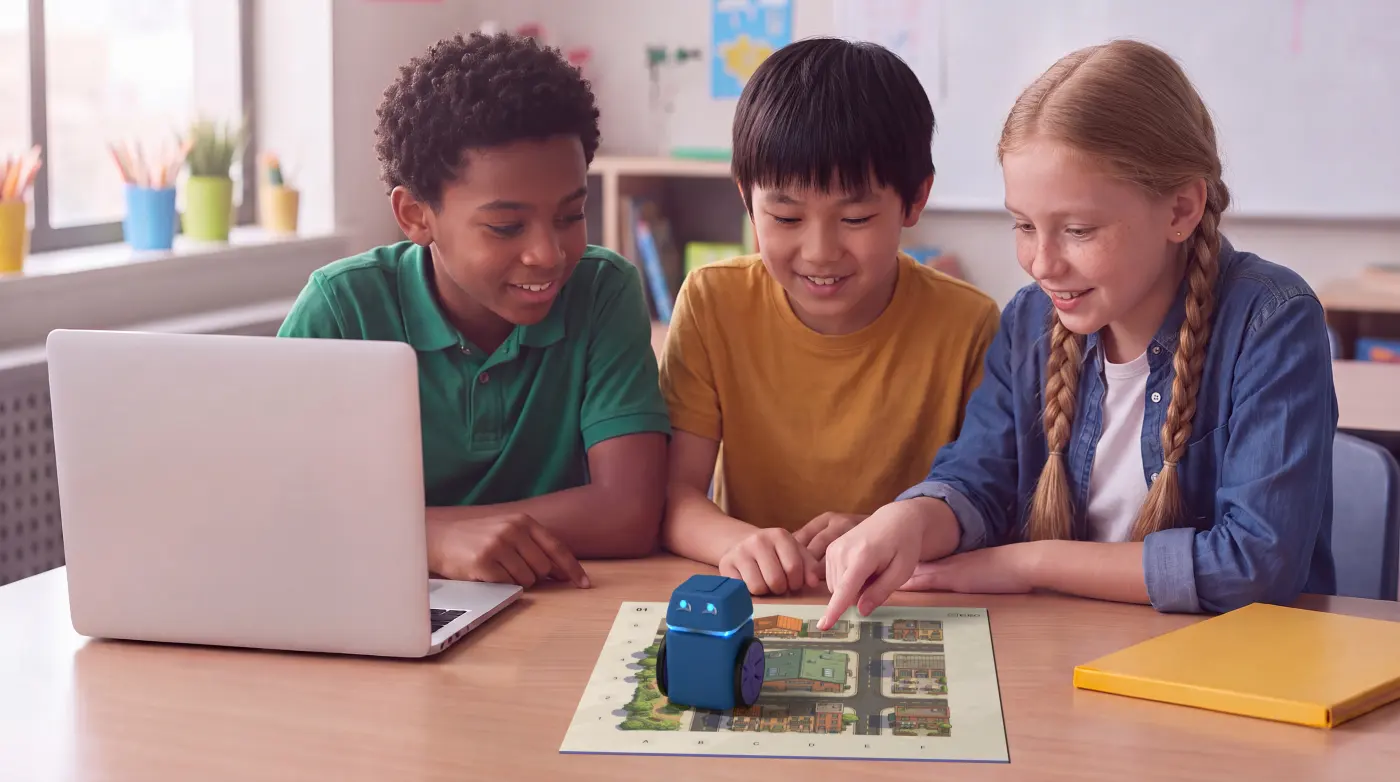
AI-assisted coding of a real robot
Sequences, functions, loops, conditionals and variables.
- 2
Debug like an engineer
Predict, test and fix, in both hardware and software.
- 3
Understand and question AI
Train image classifiers, spot bias, and check the code the AI co-pilot writes.
- 4
Use technology responsibly
Privacy, passwords, safe networks, and when a human must decide.
Standards
Supports the standards you teach
One course of 14 missions and 7 sandbox activities that covers coding and AI literacy across the main US and international frameworks.
-
40 of 45
2026 CSTA standards, middle school
30 fully and 10 partly addressed, including the new AI standards: machine learning, AI tools and AI-generated code.
-
21 of 28
ISTE Standards for Students
12 fully and 9 partly addressed, strongest in Computational Thinker, Innovative Designer and Empowered Learner.
-
5 of 5
AI4K12 Big Ideas in AI
Perception, reasoning, learning, interaction and societal impact.
-
Supports
TEKS · NGSS · DigComp 3.0
The Texas TEKS, the NGSS science and engineering practices (MS-ETS1) and the EU's DigComp 3.0.
KUBO's own mapping, November 2026. Not reviewed or endorsed by CSTA, ISTE, AI4K12, TEA, NGSS or the European Commission. Standard guides for CSTA and ISTE are available on request.
Built for schools
Hands-on, not just screen time
Every program runs on a real robot and a story-based map that students can see and touch. We extend the hands-on learning journey, and make AI tangible.
-
Hands-on: physical meets digital
Intelligent physical maps: the Map Base knows where KUBO is, so KUBO is mirrored live on the platform.
-
Real-world missions and activities
Every mission is a real-life problem, and 7 sandbox activities bring coding into science, math and geography.
-
Easy to run
Chrome or Edge on a laptop, or the KUBO Coding AI app on iPad and Android tablets. KUBO connects wirelessly. Missions in English, French, German, Spanish and more.
-
Educator Portal
Free for teachers: a teacher guide for each mission and sandbox activity, a quick start guide, and live progress for every student.
For schools and districts
One coding path, K–8
KUBO Coding AI picks up where KUBO's K–5 range ends, and the blue KUBO works with the K–5 sets you may already have.
Elementary · K–5
Screen-free coding
- The TagTile® coding language turns coding into something physical
- KUBO Coding Starter Set, with add-on sets for advanced coding, math and music
- KUBO Play for online practice at school and at home
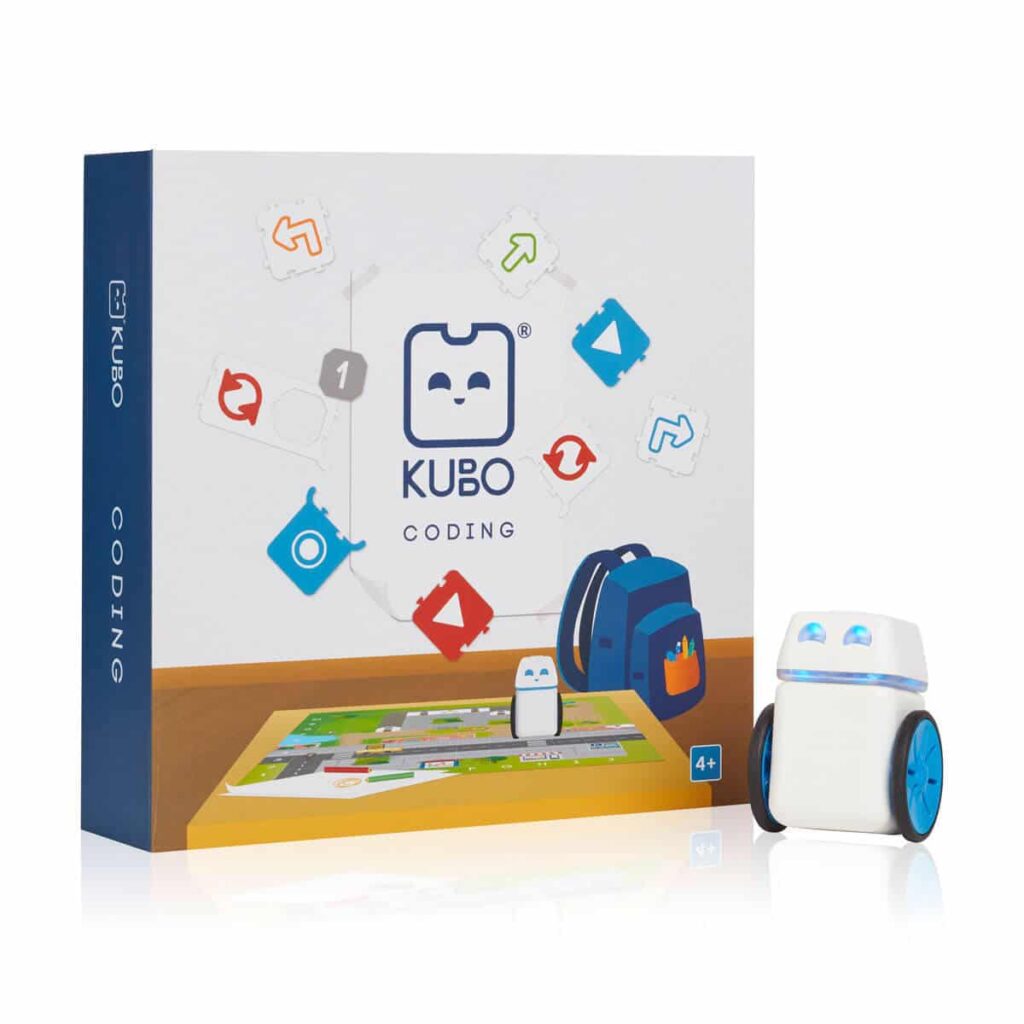
Middle school · 6–8
KUBO Coding AI
- AI-assisted coding with LUMI, and AI literacy in every mission
- 14 story-based missions on intelligent physical maps
- 7 cross-curricular sandbox activities
- Creative sandbox mode on maps students make themselves
- The blue KUBO is backwards compatible with the K–5 products
Privacy and data
Student privacy by design
Each edition is hosted in its own region.
US schools
- Product:
- KUBO Coding AI #1060US
- Hosting:
- servers based in the US
- AI provider:
- Google, in the US
EU schools
- Product:
- KUBO Coding AI #1060EU
- Hosting:
- servers based in the EU
- AI provider:
- Mistral, in the EU
From one classroom to a whole country
Built for every level of education
-
Teachers
- 27 ready 60-minute lessons: 14 missions and 13 sandbox lessons
- A teacher guide for every lesson, and a quick start guide
- See every student live: mission, phase and concepts covered
-
Schools
- Everything to start in one box: robot, Map Base, 16 maps and the platform
- 100,000 AI credits shared across the school: approx. 3 years of AI use
- Runs on the laptops and tablets you already have
-
Districts and municipalities
- One coding path from K–5 to grades 6–8
- The blue KUBO works with existing K–5 KUBO sets
- Standard-by-standard guides for CSTA and ISTE
-
Ministries of education
- US edition hosted in the US, with Google as AI provider
- EU edition hosted in the EU, with Mistral as AI provider
- Missions and activities in English, French, German, Spanish and more
For teachers, schools, districts and ministries
Bring KUBO Coding AI to your students
Book a demo of the robot, maps and platform, or ask for a quote for your school, district or country, from KUBO or your local KUBO reseller.
Getting started
- 1
See itA demo, and a quote from KUBO or your local reseller
- 2
Set upCreate your class in the Educator Portal; KUBO connects wirelessly
- 3
TeachStart with Mission 1: Meet Your Co-Pilot
Book a demo
Tell us about your school or organization. We reply within two working days.